Client Studio AI
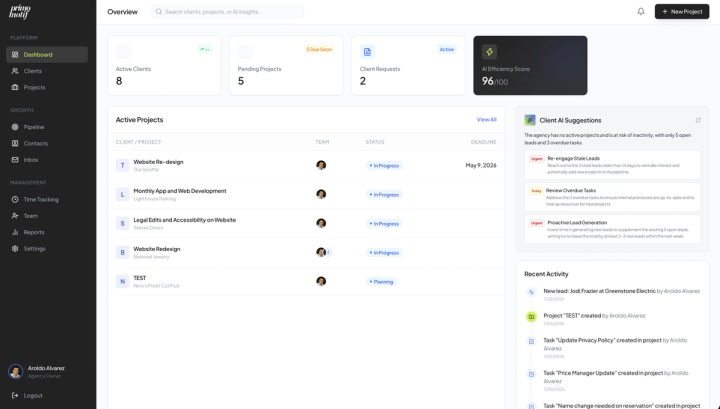
Client Studio AI is an AI powered workspace designed to help creative professionals manage clients, projects, communication, content, and recurring workflows from one connected platform.
Role
- Product Owner
- UX/UI Designer
Focus
- Product Strategy
- UX Architecture
- AI UX
- Interaction Design
- UI
- Design Systems

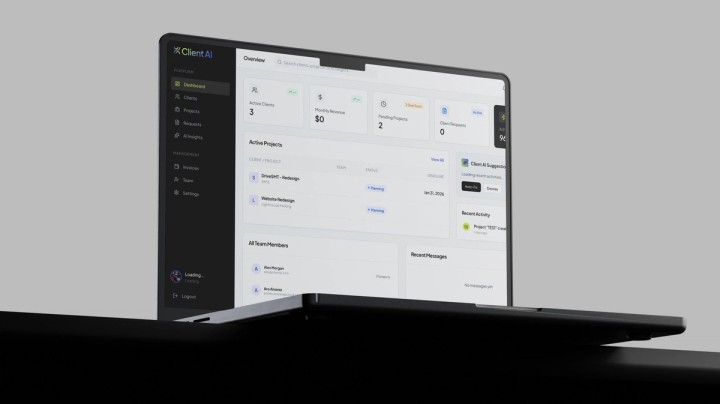
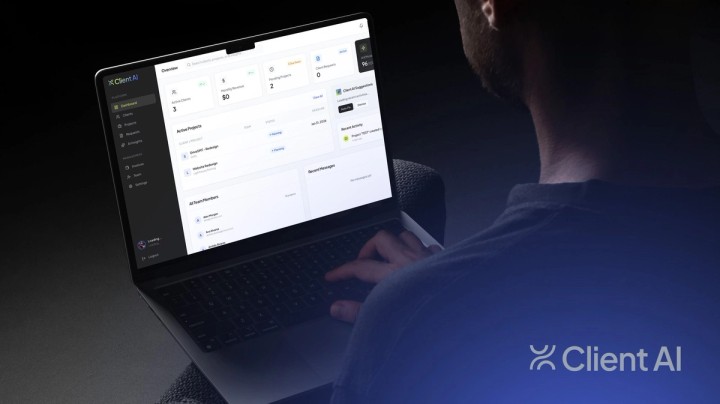
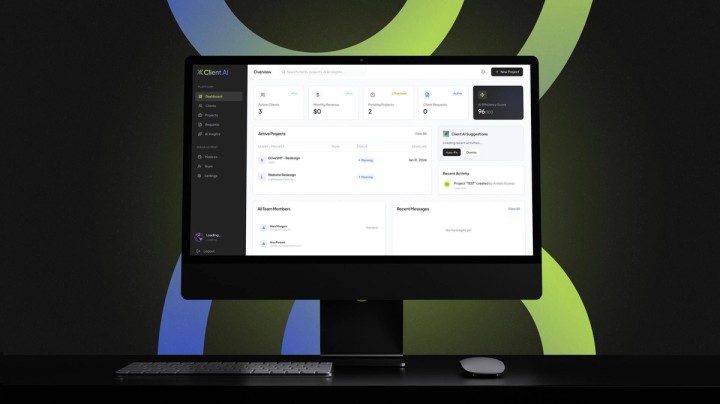
The Challenge
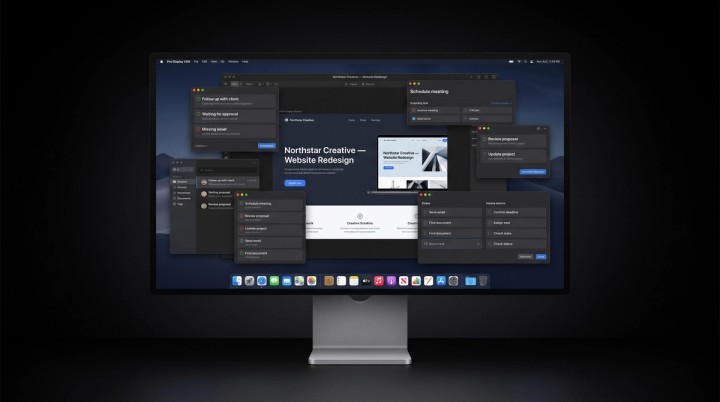
Creative work is scattered across too many tools.
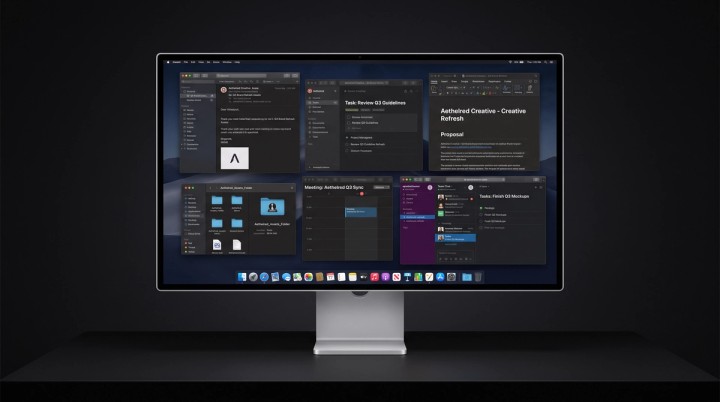
Client communication, project management, proposals, files, tasks, notes, and follow ups often live across disconnected applications.
The result is administrative overhead, missed context, and less time spent actually doing creative work.
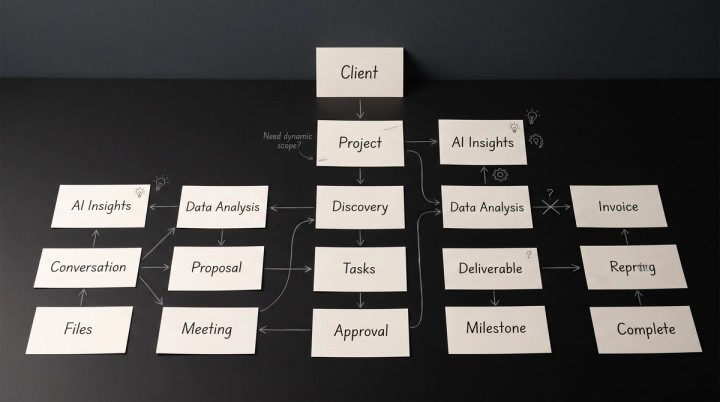
The opportunity was to make the client relationship itself the center of the experience.
The Opportunity
What if the platform could do more than organize work?
Client Studio AI was designed to bring client management and creative operations into one intelligent workspace.
Instead of simply storing information, the platform uses AI to help users understand what is happening, identify what needs attention, and automate repetitive work.
Less administration. More creative work.
My Role
I helped define the product from strategy through experience design.
- 01
Product Strategy
Defined product direction, workflows, and core capabilities.
- 02
UX Architecture
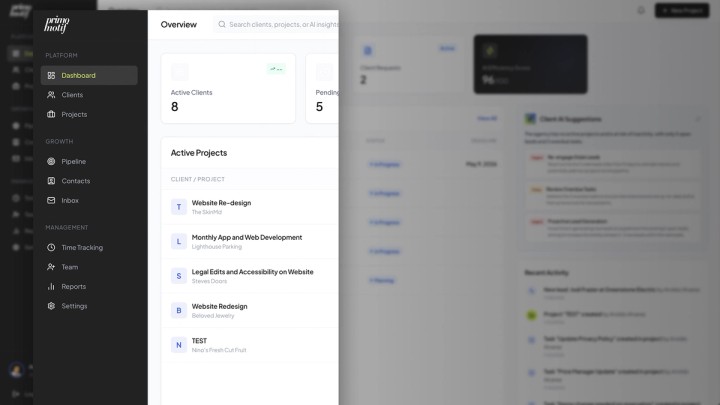
Created the information architecture and client workflow model.
- 03
AI UX
Designed how AI fits naturally into everyday workflows.
- 04
Product Design
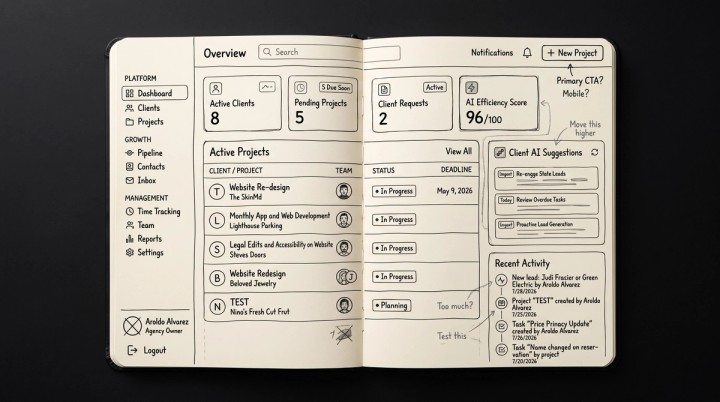
Designed the interface, interactions, and core experiences.
- 05
Design System
Created reusable patterns for a scalable product.
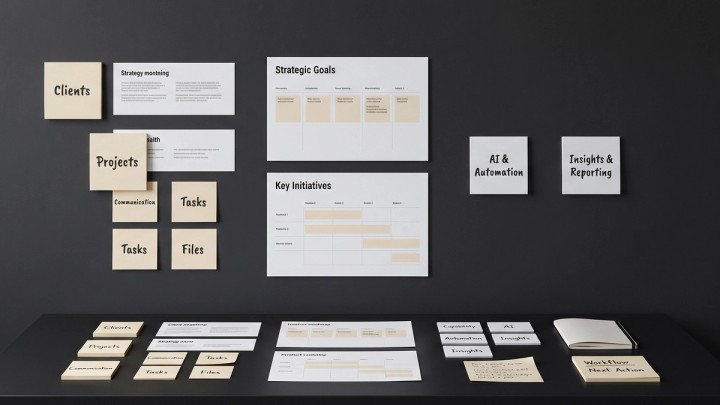
Key Design Decisions
- 01
01 — Context before conversation
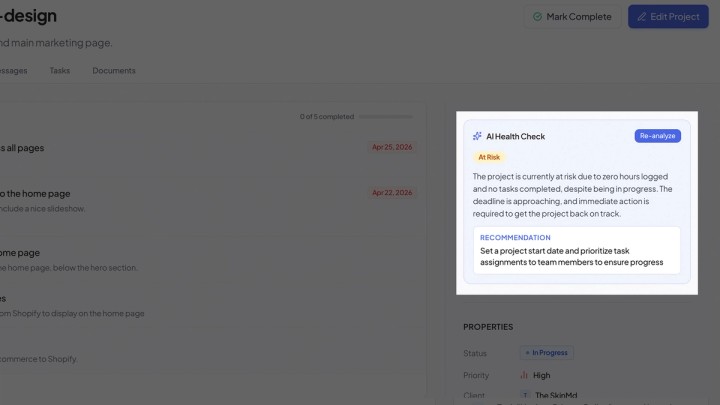
Instead of treating AI as a standalone chatbot, AI operates within the context of the client’s project, conversations, files, and history.
- 02
02 — Action over information
The system doesn’t simply tell users what is happening. It helps identify what should happen next.
- 03
03 — Automation without losing control
Repetitive workflows can be automated while keeping important decisions in the user’s hands.
AI Experience
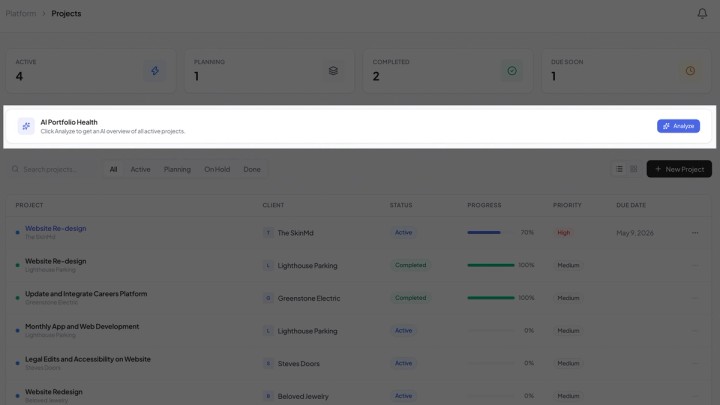
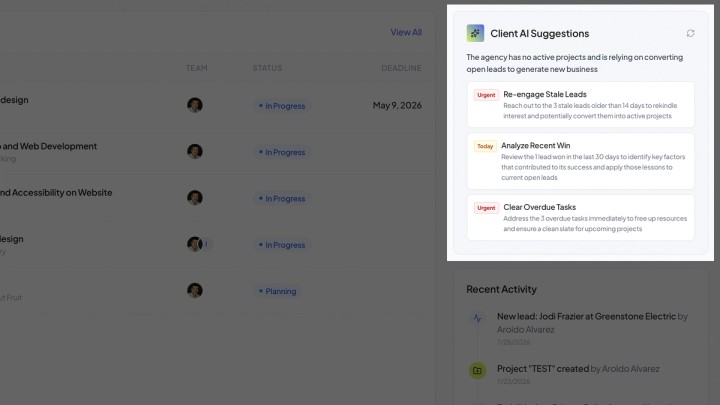
AI should feel embedded, not bolted on.
AI can help users:
- Summarize conversations
- Draft client communication
- Identify follow ups
- Generate project updates
- Organize information
- Surface overdue actions
- Recommend next steps
- Create content
The goal is simple:
Turn information into action.
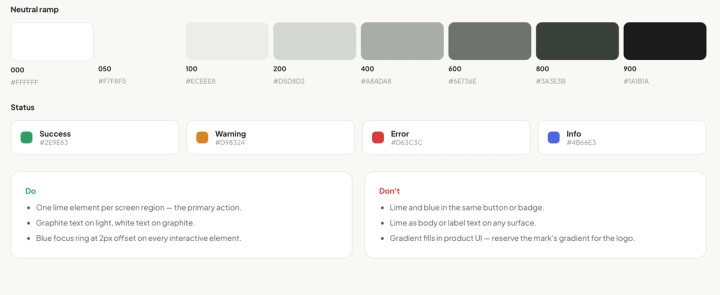
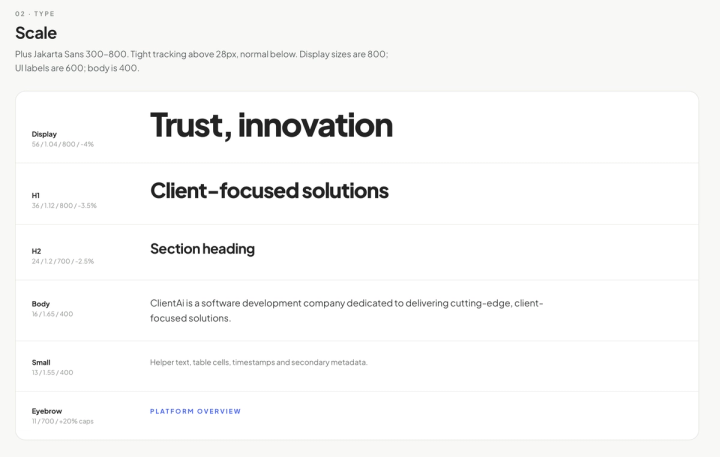
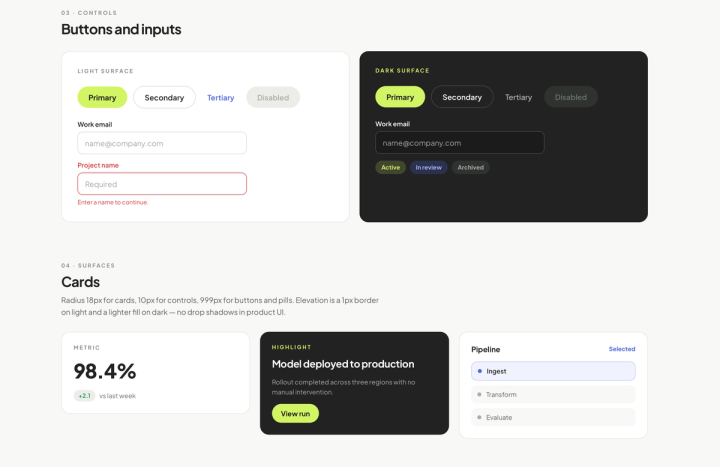
Design System
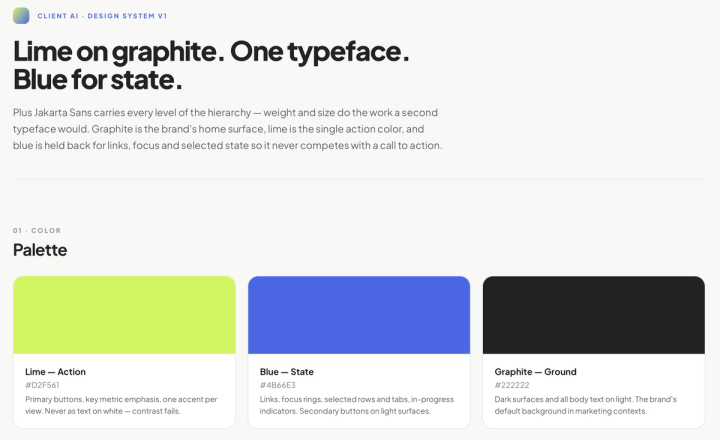
One system for an intelligent product.
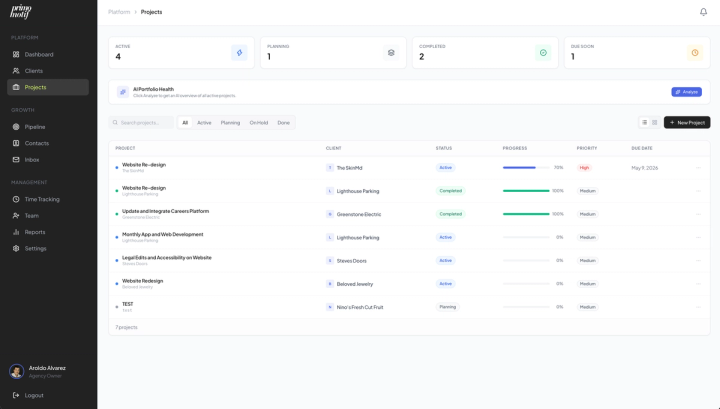
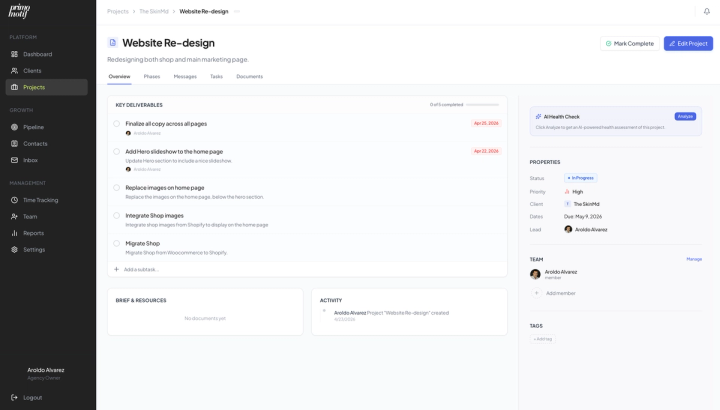
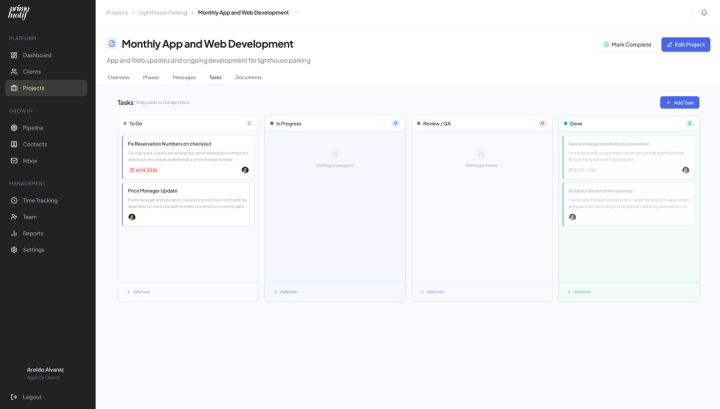
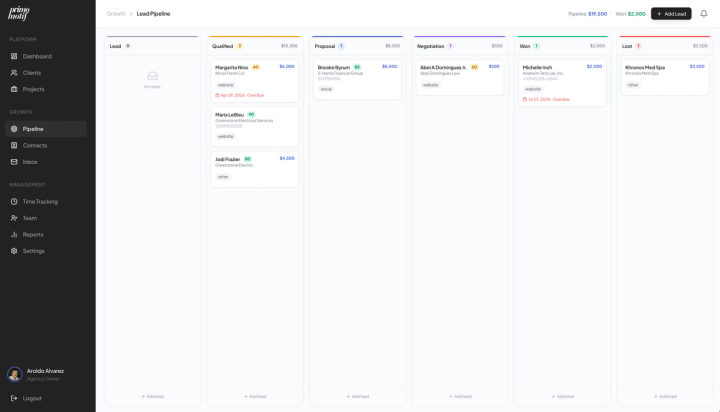
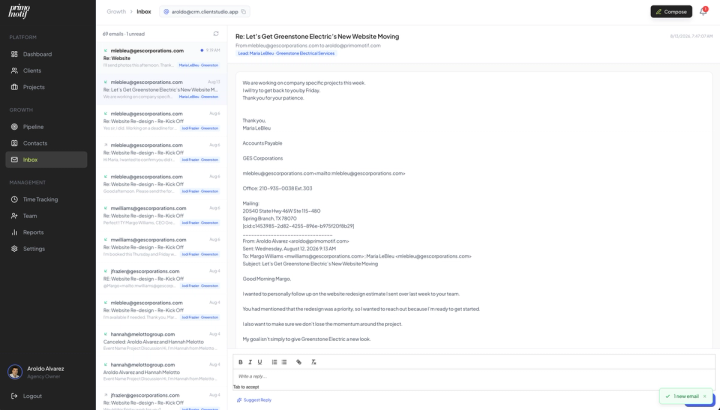
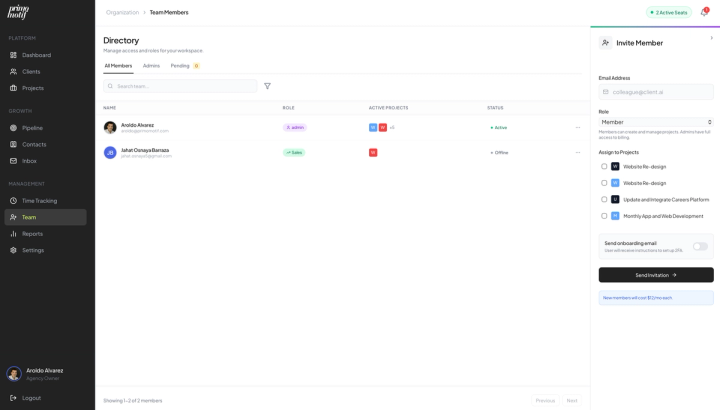
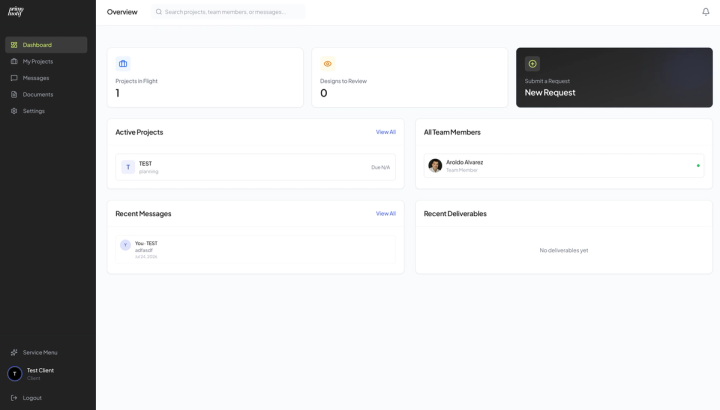
The design system establishes reusable patterns across dashboards, projects, client profiles, conversations, tasks, AI interactions, notifications, and workflows.
The system creates consistency while allowing the product to evolve rapidly as new AI capabilities are introduced.
From Design to Product
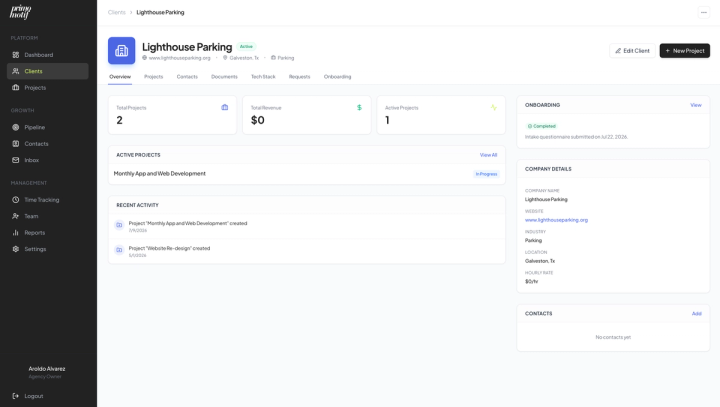
Client Studio AI was designed around real workflows rather than isolated screens.
Product decisions considered:
- User intent
- AI behavior
- Context
- Permissions
- Automation
- Human oversight
- Responsive behavior
- Scalability
The goal was to create an AI product that feels useful immediately rather than overwhelming users with technology.
The Result
Client Studio AI creates a centralized workspace where creative professionals can understand their clients, manage their work, and use AI to reduce repetitive administrative tasks.
Instead of asking users to manage another tool, the product is designed to become the intelligent layer connecting their existing workflow.
At a Glance
- PROBLEM
- Creative work is fragmented across disconnected tools.
- ROLE
- Product Owner · UX/UI Designer.
- SOLUTION
- An AI powered client and creative operations platform.
- IMPACT
- Connected client management, project workflows, communication, and intelligent assistance.
- SKILLS
- Product Strategy · UX · AI UX · Systems Thinking · Interaction Design · UI · Design Systems